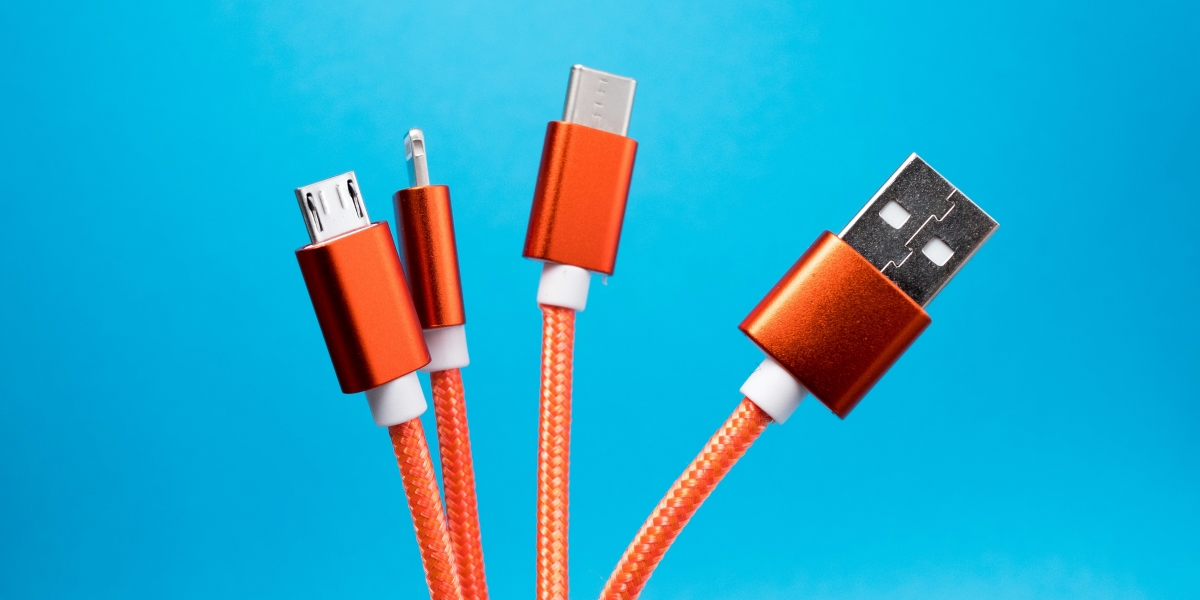


It’s easy to assume that all USB-C cables are basically the same. After all, they look similar, fit the same ports, and often come bundled with devices. But if you’ve ever been puzzled by slow charging, inconsistent data transfers, or a phone that won’t connect properly to your laptop, you might be experiencing the consequences of choosing the wrong cable.
In this article, we’ll untangle the confusion around USB-C cables and explain why they aren’t all created equal.
Charging Speed Varies Significantly
One of the biggest misconceptions about USB-C cables is that they all offer fast charging. The truth is, charging speed depends on the cable’s power rating. Some cables are designed to carry just 15 watts, while others can handle up to 100 watts with USB Power Delivery (USB-PD) support.
If you’re using a cable that only supports low wattage, your phone or laptop will charge at a snail’s pace, even if your charger is capable of delivering more. To get the best results, you need a cable that matches your device’s charging potential.
Data Transfer Rates Aren’t the Same
Not all USB-C cables are built for high-speed data transfers. Some are limited to USB 2.0 speeds (480 Mbps), while others support USB 3.2 or even Thunderbolt 4, which can reach speeds of up to 40 Gbps.
That means if you’re transferring large files between devices, especially video or high-res images, the type of cable you use makes a big difference. A low-spec cable might take ten times longer to complete the same task as a high-speed one.
Build Quality Impacts Longevity
Another area where USB-C cables differ is in construction. Cheaper cables often have lower-grade shielding, thinner wires, and weak connectors that wear out quickly. Over time, this can lead to fraying, poor connections, or even short circuits.
A good-quality cable will often feature reinforced stress points, braided or thicker insulation, and corrosion-resistant connectors. It might cost a bit more upfront, but it can save you money and frustration in the long run.
Beware of Counterfeit or Uncertified Cables
With so many USB-C cables on the market, there’s been a rise in uncertified or counterfeit products. These can be tempting due to their low prices, but they often fail to meet safety standards.
Some poorly made cables have been known to damage devices, particularly when high-wattage charging is involved. It’s always a good idea to buy from reputable brands or retailers and look for cables that are certified by USB-IF (USB Implementers Forum).
Choosing the Right Cable for Your Needs
When selecting a USB-C cable, consider how you intend to use it:
- For fast charging: Look for cables rated for USB-PD and check the wattage support.
- For data transfer: Choose one that supports USB 3.1 or higher.
- For long-term durability: Invest in a cable with reinforced construction and quality materials.
It’s not just about what’s convenient or cheapest—it’s about what actually works with your devices, safely and efficiently.
Final Thoughts
USB-C is a brilliant, versatile standard, but the cables themselves vary widely in quality and capability. Taking the time to choose the right one can save you from a lot of hassle, whether that’s sluggish charging, failed file transfers, or damaged tech.
If you’re ready to upgrade to a reliable, high-performance usb c cable, Maplin offers a range that combines quality, safety, and performance, all in one place.
Published by Joseph T.